
Blog Industry: Dental
Dental Office IT in Central Oregon: HIPAA Compliance Made Simple
Dental offices in Central Oregon have one of the most specific IT environments of any small business. The combination of patient health information, imaging systems, practice management software, insurance billing, operatory computers in multiple rooms, and strict HIPAA requirements creates a technology environment where everything has to work and everything has to be compliant.
This article is for dentists and dental practice managers in Redmond, Bend and across Central Oregon who want to understand what good IT looks like for their practice. We will cover HIPAA basics in plain English, practice management software considerations, imaging, backups, security and the specific risks to prepare for.
HIPAA for Small Dental Practices in Plain English
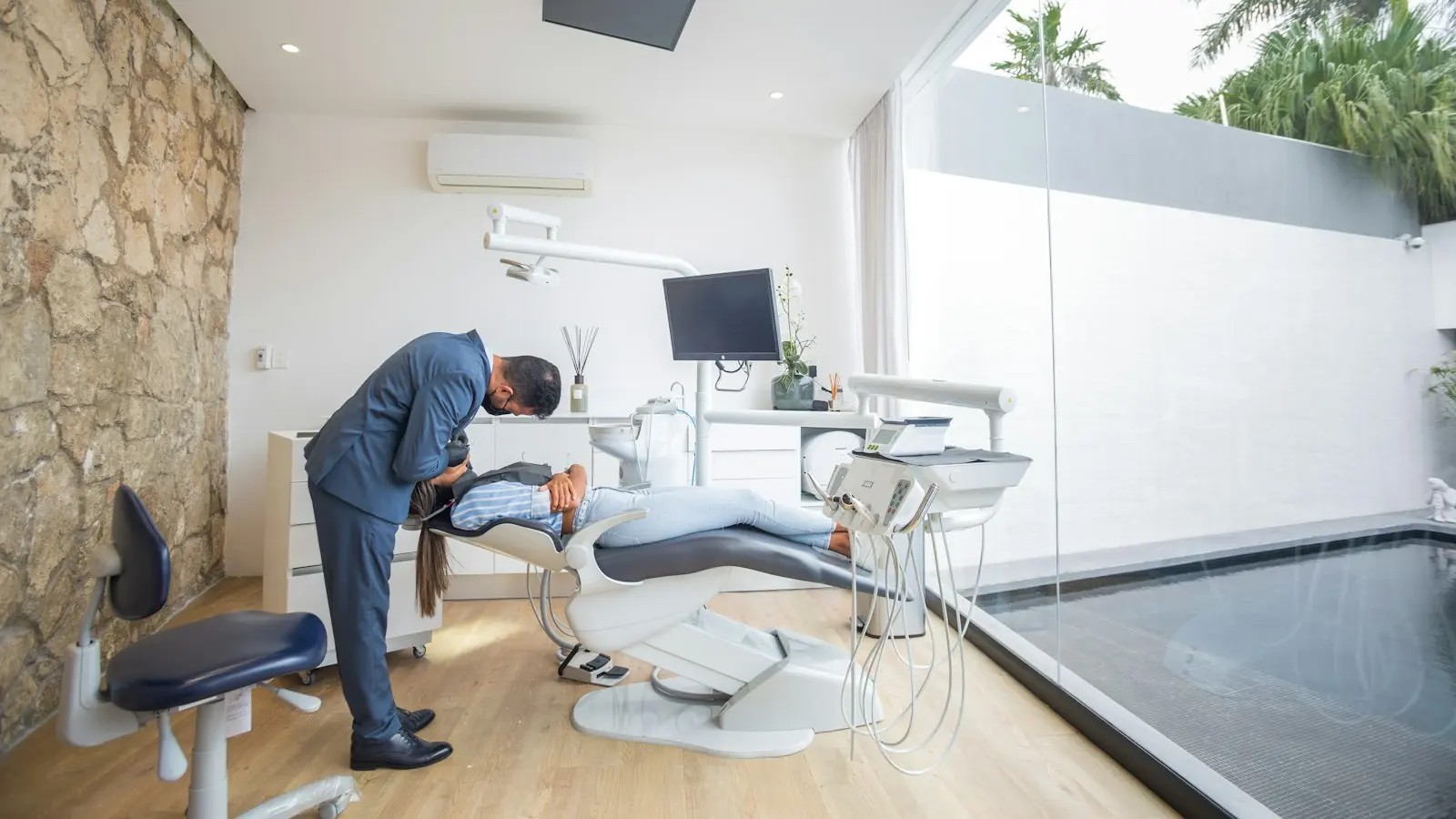
Virtually every dental practice (any that bills insurance electronically) is a HIPAA covered entity. That means specific obligations around protecting patient health information (PHI). Rather than wading into the legal weeds, here is the practical version:
Administrative Safeguards
Written policies, risk assessments, workforce training, documented procedures for breach response. Yes, you need a written HIPAA risk assessment on file. Yes, your staff needs documented HIPAA training.
Physical Safeguards
Who can physically touch computers that have patient data. Workstation locking. Secure storage of equipment and media. Device disposal procedures.
Technical Safeguards
Access controls (who can see what). Audit logs (who accessed what, when). Encryption of data in transit and at rest. Automatic logoff. Multi-factor authentication where feasible.
Breach Notification
If a breach happens, you have specific obligations about who to notify, when, and how. Not having a plan does not change the obligation.
Business Associate Agreements
Any vendor that touches PHI needs a signed Business Associate Agreement. Your IT provider, cloud backup provider, practice management software vendor, imaging vendor, cloud storage provider: all need BAAs.
Civil penalties are tiered by level of culpability and adjusted for inflation every year, from a little over a hundred dollars per violation at the lowest tier to more than $2 million in the top tier, with annual caps (HHS publishes the current table). The costs of a breach also include breach notification (letters to all affected patients, plus notice to prominent media outlets when more than 500 residents of a state are affected, plus notice to HHS), often legal fees, and reputational damage.
Practice Management Software: The Center of Dental IT
Your practice management system (PMS) is the hub of a modern dental office. The main systems in Central Oregon:
- Dentrix (Henry Schein One). The dominant on-premises system. Deep features, long learning curve, requires IT to keep running smoothly.
- Dentrix Ascend. The cloud version. Simpler infrastructure requirements, strong integration with Henry Schein's other tools.
- Eaglesoft (Patterson). Second-largest on-premises system. Similar in style and feature depth to Dentrix.
- Open Dental. Open-source, popular with smaller and tech-savvy practices. Hostable on your own server or by a specialist provider.
- Curve Dental. Cloud-based, growing in popularity.
- Carestream, SoftDent, Practice-Web. Smaller players with specific strengths.
The choice matters for IT because on-premises systems (traditional Dentrix, Eaglesoft, local Open Dental) have different requirements than cloud systems. On-premises systems need:
- A reliable server with good backup.
- Fast local network between operatories and server.
- UPS protection against power events.
- Patching and update management.
- Database maintenance.
- Specific HIPAA-aware backup for the database.
Cloud systems have different needs: reliable internet, security on each operatory computer, backup of the data via the vendor's export tools or a third-party backup service.
Imaging Systems
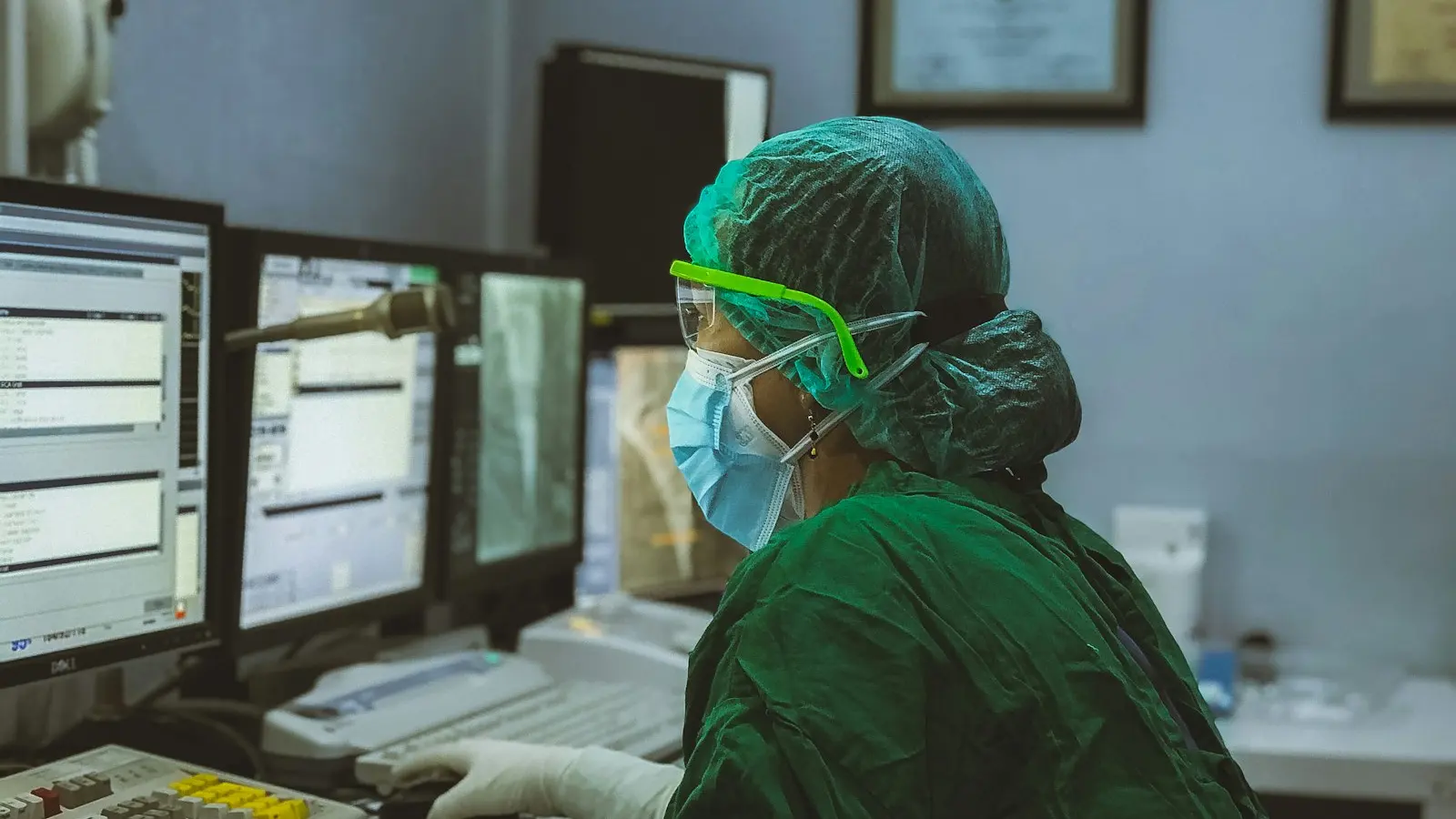
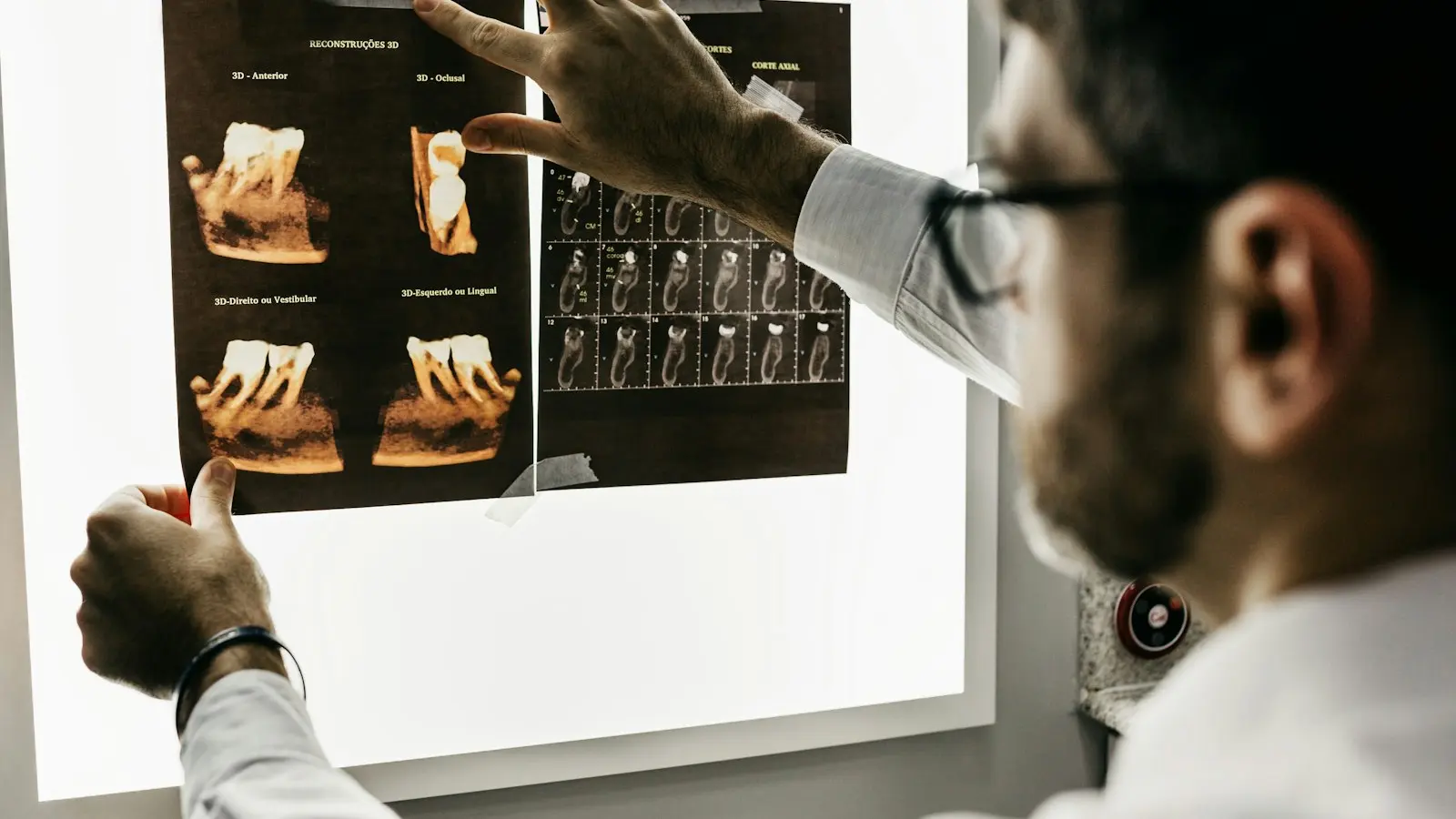
Dental imaging, intraoral cameras, digital X-rays, panoramic imaging, 3D cone beam, adds its own IT requirements:
- High-volume data storage. CBCT scans are hundreds of MB each.
- Fast network between acquisition devices and viewing stations.
- Integration with practice management (images attached to patient records).
- Backup of imaging data (often separate from PMS backup).
- DICOM-compliant storage and retrieval if you share images with specialists.
- HIPAA-compliant image sharing with referring providers.
Common imaging vendors in dental: Carestream, Dexis, Sirona (Dentsply), Planmeca, SOTA. Each has specific IT requirements. A good dental IT provider knows the quirks of each.
The Operatory Computer Problem
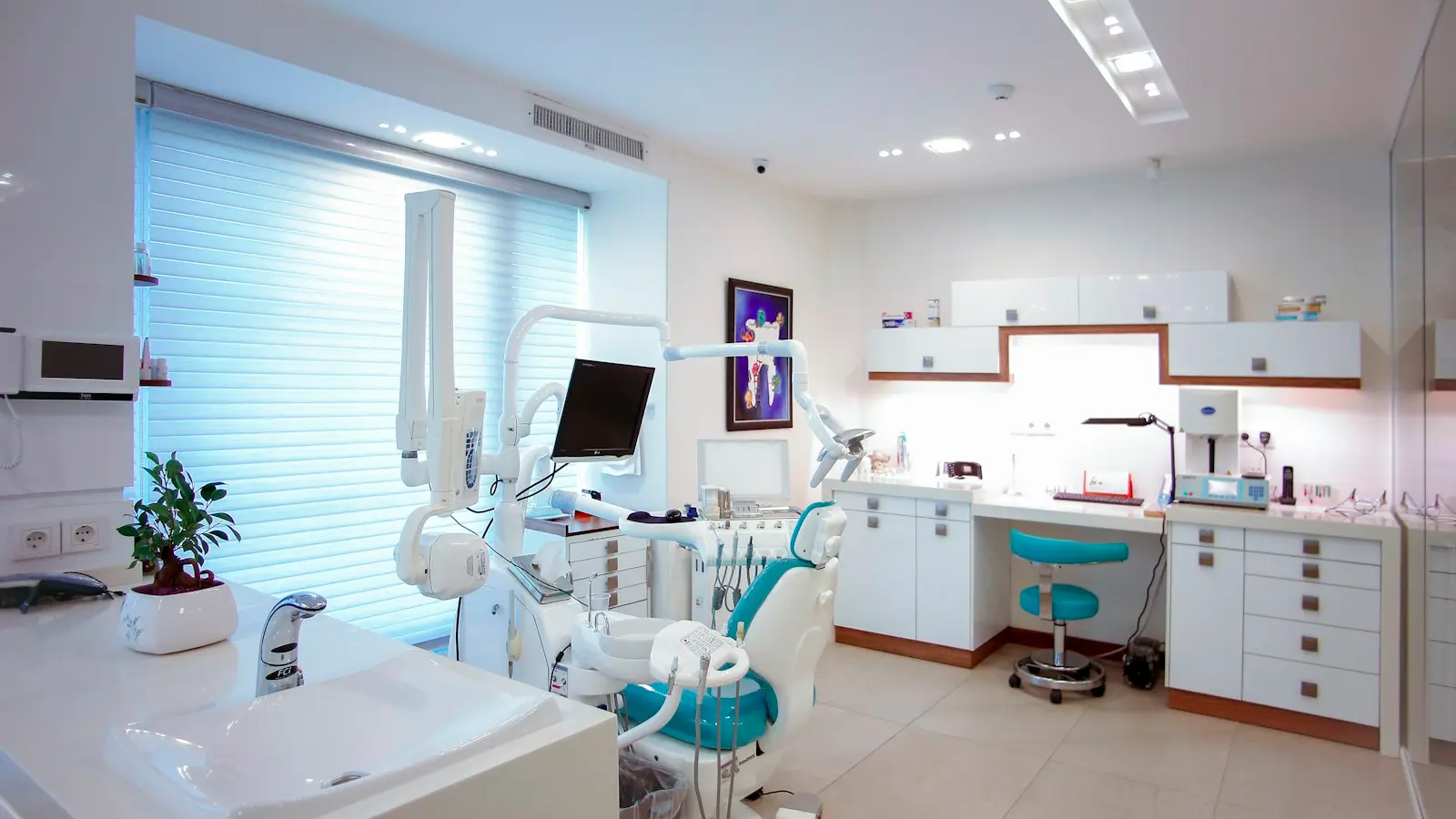
Modern dental offices have a computer at every operatory. These computers face specific challenges:
- Infection control. Keyboards and mice are touched by gloved hands and need to be disinfected or protected.
- Compact placement. Operatory space is at a premium.
- Multiple logins. Different staff use the same computer throughout the day: fast switching matters.
- Imaging workstation performance. Rendering 3D imaging requires decent graphics.
- Peripheral integration. Intraoral cameras, imaging sensors, treatment room monitors.
- Automatic logoff after inactivity (HIPAA technical safeguard).
Setting these up well, standardized hardware, consistent configuration, good peripherals, mounted properly, is a one-time investment that pays off every day.
Backups for Dental Practices
Dental backup requirements are specific and strict:
- Practice management database. Daily backups, verified by test restores. For on-premises systems this is critical: a lost database is the practice's history.
- Imaging storage. Often separate from PMS. Must be included in the backup strategy.
- Email and office documents. Microsoft 365 or Google Workspace backup (not just Microsoft's native retention).
- Off-site storage. Backups stored off-site, encrypted. Required for HIPAA and for recovery from local disasters.
- Retention. HIPAA requires keeping HIPAA documentation (policies, risk assessments, training records) for 6 years. Patient record retention is set by state rules: the Oregon Board of Dentistry requires at least 7 years (OAR 818-012-0070). Your backup retention should match.
- Business associate agreement. Your backup provider must sign a BAA.
- Test restores. Quarterly minimum. "We have backups" is not the same as "the backups work."
Common HIPAA security gaps in Central Oregon dental practices
Patterns we see in dental practices that are not fully HIPAA-aligned:
- No written HIPAA risk assessment on file.
- Staff never documented HIPAA training in writing.
- Shared logins for the practice management software.
- No multi-factor authentication on email, remote access or admin accounts.
- Backups to a single USB drive left in the office.
- No BAA with the IT provider, imaging vendor or cloud backup.
- Operatory computers not configured to log off automatically.
- Workstation screens visible to the waiting room.
- No breach notification plan in writing.
- Firewall more than 5 years old without current firmware.
- Remote access without multi-factor.
- Patient communication via unencrypted text or email.
Any one of these can be a HIPAA finding. Several together increase the risk significantly.
Patient Communication and HIPAA
How you communicate with patients matters:
- Email. Unencrypted email with PHI is a HIPAA risk. Patients may request unencrypted email after being warned of the risk, but the default should be secure. Many practices use secure patient portals or encrypted email services.
- Text messaging. Appointment reminders are usually fine. Specific PHI in text, insurance details, treatment specifics, may violate HIPAA. Practice-specific texting platforms like Weave, NexHealth, Solutionreach provide HIPAA-compliant texting.
- Online forms. Patient intake forms, pre-visit questionnaires. Must be collected through a HIPAA-compliant platform, not generic Google Forms.
- Reviews and marketing. Never post identifying patient information publicly, even in good-news stories, without written authorization.
Compliance Tools for Dental Practices
Software specifically for HIPAA compliance in dental:
- HIPAA compliance platforms such as Compliancy Group and HIPAA One. Risk assessment, training, policy templates, incident tracking.
- KnowBe4, Hoxhunt. General security training, with HIPAA-specific modules.
- Weave, NexHealth, Solutionreach. HIPAA-compliant patient communication.
- HIPAA-compliant backup providers that sign BAAs.
- HIPAA-aligned Microsoft 365 configuration. Microsoft's BAA covers its commercial plans; Business Premium is recommended for its security features (not required for the BAA), with those features enabled.
What Good Dental IT Support Includes
A managed IT provider serving Central Oregon dental practices should cover:
- HIPAA risk assessment and documentation support.
- Business Associate Agreement execution and tracking.
- Signed BAAs on file for every vendor touching PHI.
- Practice management software support: server management, patching, backup, performance tuning.
- Imaging system support: storage, integration, backup.
- Operatory computer standardization and support.
- Encrypted backups with off-site retention matching HIPAA requirements.
- Microsoft 365 or Google Workspace in HIPAA-compliant configuration.
- Multi-factor authentication on everything.
- Endpoint protection on all workstations.
- Firewall with current firmware and HIPAA-aware configuration.
- Documented security policies.
- Staff HIPAA and phishing training programs.
- Breach response planning.
- Help desk for the daily issues: printer problems, patient communication, imaging glitches.
Managed IT is usually priced per user per month. The right plan for a practice depends on its operatories, imaging systems, software and HIPAA needs, plus any one-time setup if you're moving off a non-compliant setup. A free 30-minute consultation gets you a quote for your office.
Short Version
Dental office IT in Central Oregon has to handle HIPAA compliance, practice management software, imaging systems, operatory computers, encrypted backup, patient communication, and the day-to-day help desk: all without disrupting patient flow. The right managed IT provider knows the industry and has specific experience with Dentrix, Eaglesoft, Open Dental, imaging systems and HIPAA compliance work.
If you run a Central Oregon dental practice and want to walk through your current IT and HIPAA posture, text (541) 239-3338, call (541) 239-3338, or book a free 30-minute consultation. We will give you a plain-English read on where you stand and what to prioritize.