
If you have ever searched "IT support near me" at 8:47 a.m. on a Tuesday after your office email went down, you were not shopping. You were looking for a specific thing: someone who can show up, pick up the phone, understand your business, and fix the problem before lunch. That is a wildly different ask from what most IT companies advertise.
Over the last few years, the IT support market has fractured into two camps: national providers who scale by treating every customer as a line in a database, and local providers who scale by hiring people and keeping relationships. The marketing from both camps sounds similar. The experience could not be more different — especially in a market like Central Oregon.
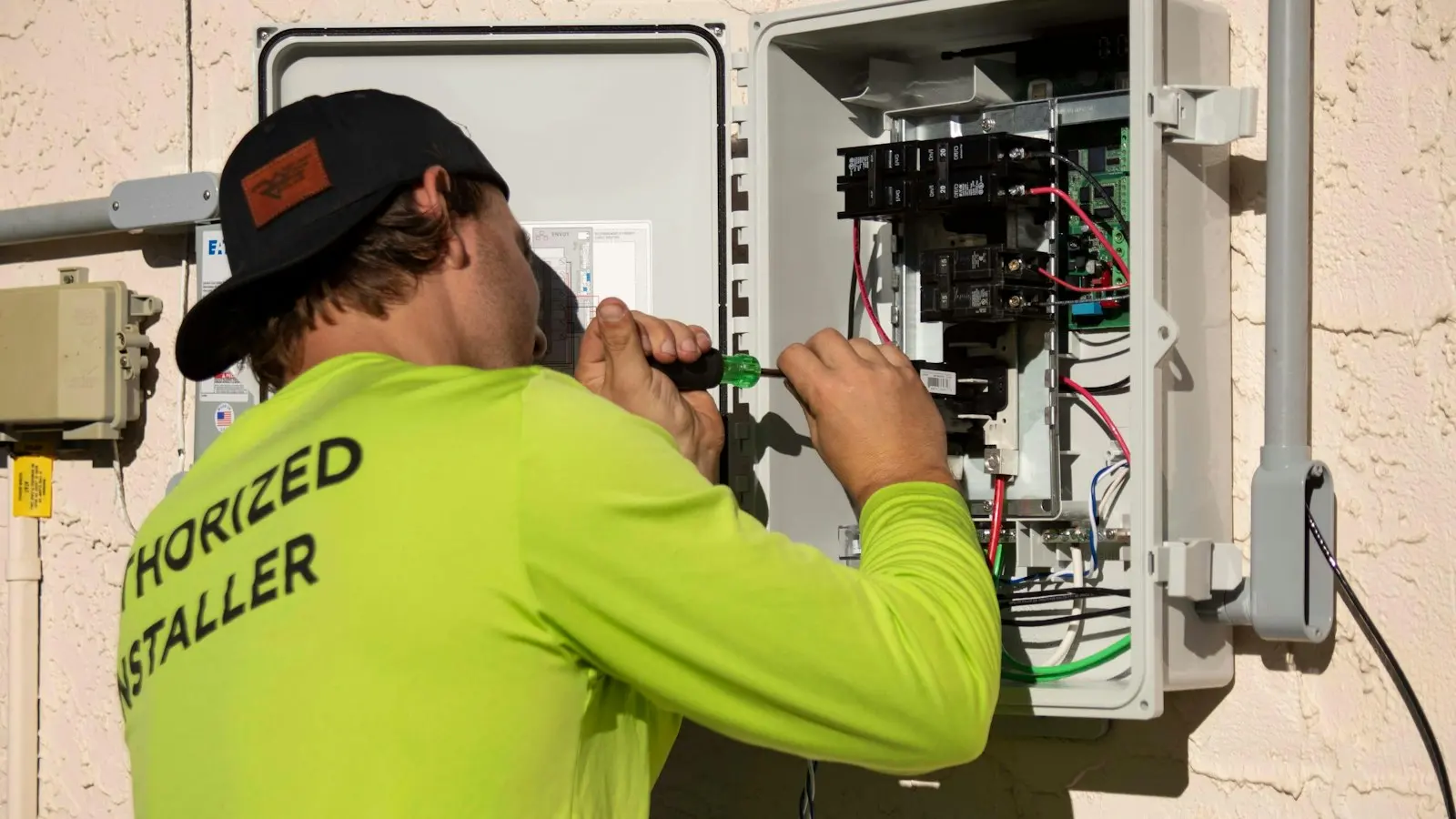
What "near me" actually means for IT support
Most searches for "IT support near me" come from people in one of three situations:
- Something is actively broken. Email, internet, printer, point-of-sale, Wi-Fi. They want it fixed today, not next week.
- They just had an incident. A phishing email, a ransomware scare, a bill that was unexpectedly high. They want a trusted local to look at their setup.
- They are shopping. Their current provider is slow, unresponsive, expensive, or has turned over the technician they liked.
All three cases have one thing in common: the person searching does not want to be routed to a call center. They want a human. Local response is the whole point of the search.
What local IT support can do that remote cannot
In fairness, a lot of IT work can be done remotely — password resets, software updates, email troubleshooting, Microsoft 365 configuration. A good national MSP can handle most of your incoming requests without ever leaving their desk, and that is fine for most of the help desk work.
But there is a stubborn slice of problems that physical presence makes dramatically easier or faster:
- Dead switches, firewalls or access points. No amount of remote troubleshooting replaces someone pressing a reset button.
- Workstation hardware failures. A failed hard drive, a bad power supply, a stuck Windows update. Replacing a laptop or desktop in person is far faster than shipping cycles.
- New Wi-Fi deployments. Site surveys and physical installation.
- Server moves and new office buildouts. Cables, racks, carrying things.
- Training staff. Walking around the office, showing people the new system, answering questions.
- Trust-building visits. Especially in professional services and healthcare, there is value in your staff knowing the technician's face.
For a Central Oregon business, that slice is often the difference between a half-day outage and a three-day one.

Response time: the metric that actually matters
IT companies love to talk about certifications, security operations centers, 24/7 monitoring, cyber frameworks. All of those matter — a little. The metric that actually determines whether you are happy with your IT provider is: when something breaks, how fast does a human help?
It helps to break "response time" into three numbers:
Pickup time
How fast does someone acknowledge the issue? A good local provider answers phone calls and texts live during business hours. A good national provider acknowledges tickets within 15 minutes with an auto-reply.
First response time
How fast does a technician actually start working the problem? Good local: 15 – 60 minutes. Good national: 1 – 4 hours. Bad: tomorrow.
Time to resolution
How long before the problem is actually fixed? This varies more by issue type than by provider — some things take 10 minutes, some take 2 days. But a local provider can often collapse this because they can show up, bring parts, or physically touch the problem.
If a provider will not put written response time commitments in your service agreement, that tells you how confident they are in their own numbers. Local providers in Bend and Redmond who are good at this will write "same business day for all non-critical issues, within one hour for anything stopping work" into the contract.
What goes wrong with national MSPs for small businesses
National managed IT providers can be excellent for the right-sized customer. For a 500-person company with offices in three states, a national MSP's 24/7 security operations center and dedicated account team make sense. For a 15-person company in Redmond, the economics usually work against you. The common failure modes:
Your account is small to them
When a national MSP has 2,000 clients and you are one of them, you are a database row. Nothing personal — they genuinely cannot keep context on 2,000 relationships. So every ticket starts with "please verify your account" and the person who answers has never heard of your business.
Context is thin
The technician who worked your last ticket does not work your next one. Each ticket starts from scratch. "What is your office's primary internet provider?" "What time zone are you in?" "What is your name?" You are spending minutes on each call that a local technician would skip because they already know.
Escalation paths are slow
Front-line techs at national MSPs are often constrained in what they can do. They have to escalate to tier-2, who escalates to tier-3, who escalates to a vendor. Problems that a seasoned local technician would solve in 20 minutes take four hours as they travel the escalation path.
Local context is missing
A national technician does not know that your office is in a building with notoriously bad cable internet. Does not know the local ISP's typical outage pattern. Does not know that the business next door shares a wall with your network closet. All of that context lives in local brains.
Response time degrades
During a widespread incident — ransomware, a Microsoft outage, a regional ISP problem — national MSPs are swamped with calls. Local providers are also busy, but with fewer customers and more personal relationships.
What good local IT support in Central Oregon looks like
If you are evaluating local IT providers in Bend, Redmond or anywhere in Central Oregon, these are the things that distinguish a good local provider from a mediocre one:
- You can reach them by text. A text message with a photo of an error screen is more efficient than a 20-minute phone call.
- You know the technician's name. Not a rotating cast. A specific person who shows up or picks up when you call.
- They know your office. They have been there. They know where the server closet is. They have met your office manager.
- They understand your industry. They have worked with other businesses in your category — breweries, dental offices, construction, legal, hospitality.
- They write things down. Documentation of your setup, so when the primary technician is out, the backup can jump in without starting from zero.
- They proactively plan. Hardware refreshes, license renewals and software updates are scheduled, not surprises.
- Prices are transparent. Monthly fee covers X. Project work is quoted in writing. No surprise invoices.

Where "near me" has limits
Local is not always the right choice. There are specific cases where a national or specialist provider makes more sense:
- You are in a heavily regulated industry (defense contracting, large-scale healthcare, PCI level 1 payments) and need a provider with specific audited certifications.
- You need 24/7 staffed security operations center monitoring with incident response in minutes, not hours. Most local MSPs partner with a national SOC for this piece, which is a reasonable hybrid.
- You have offices in multiple states or countries and want one provider across all of them.
- You have specialized line-of-business software supported only by the manufacturer or a specific national integrator.
For a 10-person law firm in Redmond, a 20-person brewery in Bend, or a 15-person construction company in Prineville, none of these apply. Local wins.
How to vet local IT support near you
Fast way to vet any local IT provider: ask for three things.
- A list of their current clients in your industry. If they cannot name any, they do not have the context you need.
- Their written response time commitment. If they will not put it in the contract, that is the real number.
- A reference call with a current client of similar size. Ten minutes of candid conversation with someone who works with the provider tells you more than any marketing material.
If any of those three is uncomfortable to ask for or awkward to receive, you have your answer.

What to do right now if you need IT support near you
If something is actively broken as you read this, here is a short triage checklist before you call:
- Note what changed. Was there a software update, a power outage, a new employee, a weekend? "Nothing changed" is almost always wrong — figure out what did.
- Check your internet. If internet is down, no amount of IT support will fix your Microsoft 365. Call your ISP first.
- Check Microsoft and Google status. If their services are down, you cannot fix it. Status pages are at status.office.com and www.google.com/appsstatus.
- Note the error message. Screenshot it. Specific error text saves minutes.
- Note who is affected. Everyone? One person? One device? One application?
- Call or text your IT provider with all of the above.
Talk to a human in Central Oregon
If you are searching for IT support near you in Redmond, Bend or anywhere in Central Oregon — and you want to talk to an actual human, not a ticket queue — text us at (541) 239-3338 or call (541) 239-3338. Our help desk is based in Redmond. Same business day response. If what you have is a real emergency, say so when you text — we'll tell you what to do next.