

Blog IT Strategy
Small Business IT Checklist: 7 Areas to Review This Year
When people search for IT services in Redmond, Oregon, they usually get a long list of things a provider can do. What they actually need is a shorter list of things their business cannot run without, and an honest way to tell whether each one is handled. A five-person office near downtown Redmond does not need an enterprise security operations center. It does need email that works, backups that restore, and someone who knows where the firewall password is.
This checklist covers the seven areas almost every small business in Central Oregon depends on. For each one there is a short explanation of what "handled" means and a self-assessment you can run in a few minutes. Score yourself honestly. Any "no" or "not sure" is worth a closer look.
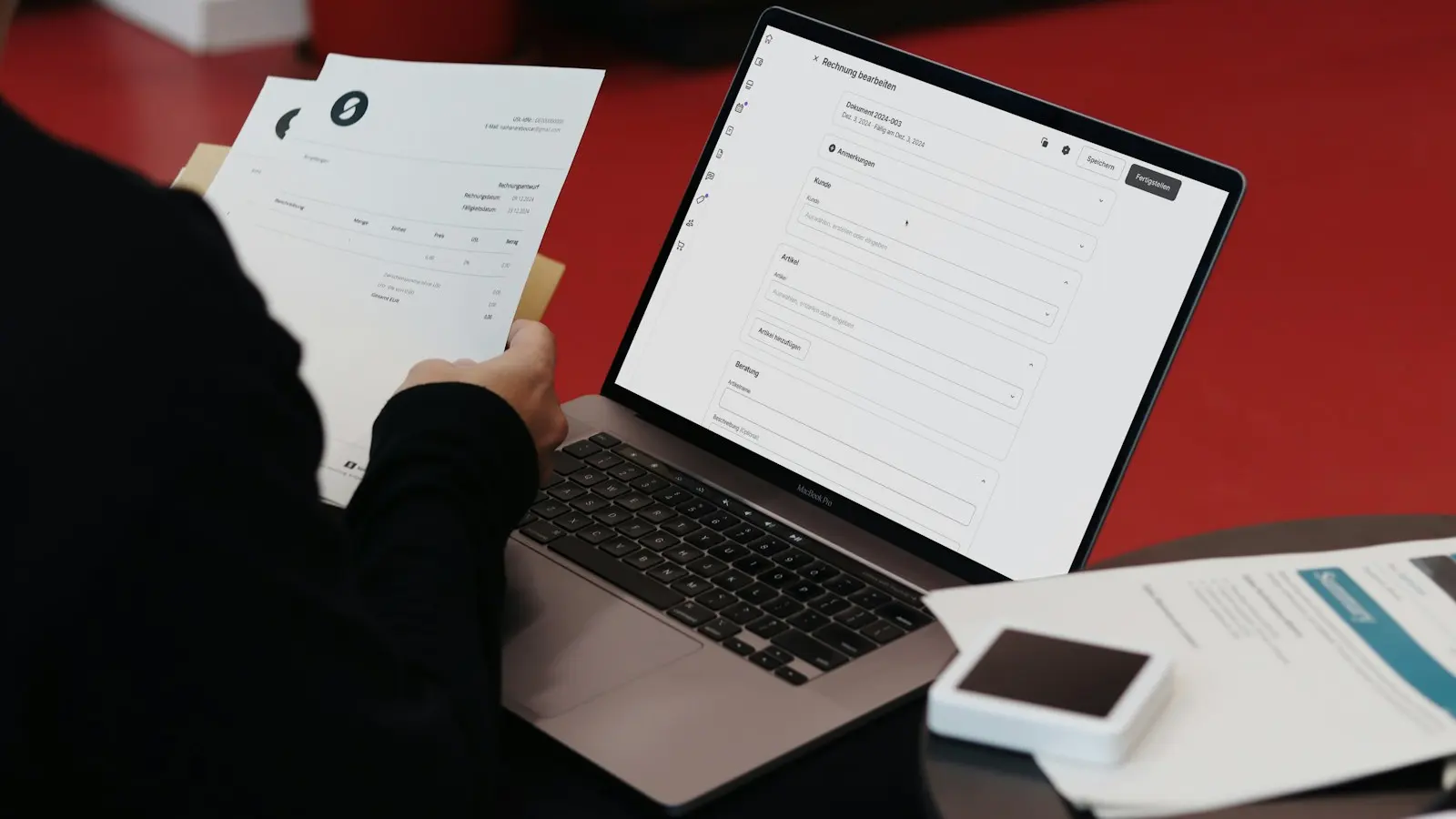
IT services in Redmond: how to use this checklist
Go through each section and answer the questions with yes, no or not sure. You do not need technical knowledge to answer most of them. If you cannot answer a question, that usually means nobody owns the task, which is the real finding.
At the end, you will have a rough map of where your business stands. Many owners find that one or two areas are in good shape and the rest are running on luck and good intentions.
1. Email and Microsoft 365 or Google Workspace
Your email and productivity suite is the center of your business. It holds your mail, files, calendars and often your phone system. It is also the account attackers try hardest to break into.
Self-assessment:
- Is your Microsoft 365 or Google Workspace account registered to your business, with an owner-level admin login you control?
- Do you know how many licenses you pay for, and does that match the number of people who work there?
- When someone leaves, is their account shut off the same day and their mailbox and files kept?
- Are shared mailboxes (info@, billing@) set up as shared mailboxes rather than a login everyone knows?
If you are paying for licenses for people who left last year, or the only admin login belongs to someone who no longer works with you, start here.
2. Security Basics
Security for a small business is mostly about doing a handful of things consistently. You do not need every product on the market. You need the basics on, everywhere, all the time.
Self-assessment:
- Is multi-factor authentication turned on for every user, including the owner and the admin accounts?
- For admins and anyone handling money, are you using phishing-resistant MFA such as passkeys, FIDO2 security keys or Windows Hello for Business?
- Does every computer have endpoint protection that someone actually watches?
- Has your staff had phishing training in the last year?
- Do you know what to do in the first hour of an incident? (Disconnect the affected computer from the network, do not power it off, and call your cyber insurer before hiring anyone.)
If you hold customer information, Oregon's breach notification law (ORS 646A.600 and following) may require you to notify affected people if it is exposed. That is another reason to get the basics right before you need them. Our backup and security services page covers how we approach this.

3. Backup and Recovery
A backup is only as good as your last successful restore. Plenty of businesses discover their backup stopped working months ago on the day they need it.
Self-assessment:
- Are your Microsoft 365 or Google Workspace mail and files backed up by a separate backup service? (Built-in retention and the recycle bin are short-term and are not an independent backup.)
- Are your computers, server or file shares backed up, with at least one copy kept off site or in the cloud?
- Does someone check every week that backups actually ran?
- Has anyone restored a file from backup in the last few months to prove it works?
- If your office lost power for two days during a winter storm, or you had to leave during wildfire season, could you keep working from somewhere else?
4. Network, Internet and Wi-Fi
Internet options in and around Redmond vary a lot by neighborhood. Depending on where you are, you might have fiber or cable from Ziply Fiber, TDS or Spectrum, or rely on fixed wireless or Starlink out toward Terrebonne or Powell Butte. Whatever you have, the equipment inside your office matters as much as the connection coming in.
Self-assessment:
- Do you have a business-grade firewall that receives security updates, and do you know who has the login?
- Is the guest Wi-Fi separate from the network your business computers and payment devices use?
- Does Wi-Fi reach every room people actually work in?
- Would someone notice if your internet or firewall went down overnight?
- If your main internet connection fails, do you have a backup plan, even if it is just a cellular hotspot?
5. Computers, Devices and Software
Old computers are slow, but the bigger issue is that unsupported software stops getting security updates. Keeping devices current is part security and part productivity.
Self-assessment:
- Do you have a list of every computer, who uses it, and how old it is?
- Are Windows and macOS updates installed automatically, with someone confirming they finished?
- Are any computers running an operating system that no longer gets security updates?
- Can a new hire get a ready-to-use computer and accounts on their first day?
- Do you have a rough plan for replacing machines before they fail, rather than after?
If your inventory lives in someone's memory, our IT services for Redmond businesses start by building that list for you.
6. Vendor Management
Most small businesses rely on a surprising number of technology vendors: internet provider, phone system, line-of-business software, printer lease, website host, payment processor. When one of them has a problem, someone has to call.
Self-assessment:
- Do you have one place that lists every tech vendor, account number and support contact?
- When the internet goes down, does someone other than you call the provider?
- Do you know when your contracts and domain renewals are due?
- Is your domain name registered to your business, with login details you control?
7. Planning and Budgeting
The last item is the one most often skipped. Without a plan, IT spending happens in emergencies: a dead server in the middle of tax season, a forced upgrade with no budget set aside.
Self-assessment:
- Do you meet with someone at least a few times a year to review your IT and plan what is coming?
- Do you have a rough budget for hardware, licenses and projects for the next twelve months?
- When you open a second location or hire several people, is IT part of the plan from the start?
- Have you looked at whether newer tools, including AI features in Microsoft 365 or Google Workspace, could save your team time?
Scoring Your Results
Count your "no" and "not sure" answers by section.
- Mostly yes across the board: Your IT services are in good shape. Keep doing what you are doing and review this list once a year.
- A few gaps in one or two areas: Fix those as small projects. Security and backup gaps should go first.
- Gaps in three or more areas: This usually means nobody owns IT. That is the case where a managed plan makes the most sense. Our Redmond managed IT plans cover all seven areas under one flat monthly fee, priced per user per month.

Short Version
- The IT services a Redmond, Oregon business needs fall into seven areas: email, security, backup, network, devices, vendors and planning.
- Any question you cannot answer is a sign that nobody owns that task.
- Fix security and backup gaps first. They are the ones that turn a bad day into a lost week.
- If you have gaps in three or more areas, a managed plan is usually simpler than fixing them one at a time.
Get a Second Set of Eyes
If you would rather not grade yourself, we will do it with you. Our free 30-minute consultation ends with a quote for your office and a one-page, plain-English list of what is fine and what needs fixing. Evolution IT Services is a local team based in Redmond, serving businesses across Central Oregon, from Bend and Sisters to Prineville and Madras. Text us at (541) 239-3338 or call (541) 239-3338. A real person answers during the business day, and you will hear back the same business day.